CorpSync Release Notes - Version 2504.08.621
Summary: This major Q4 release delivers our new CorpSync brand experience, including an updated logo, alongside key feature upgrades, performance improvements, and targeted fixes to enhance reliability and usability across the portal.
Platform Upgrade
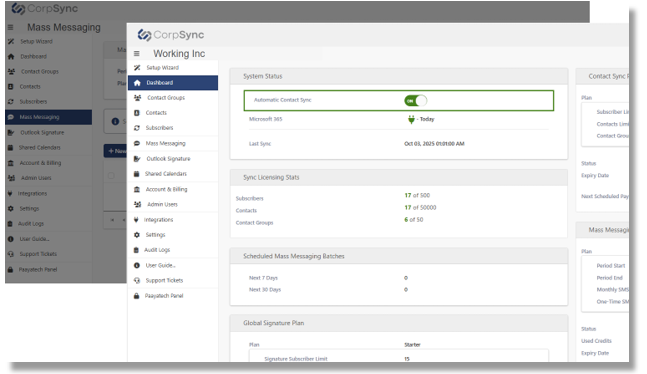
This major release introduces the refreshed CorpSync brand, featuring the new logo and updated visual design across the portal. You will notice cleaner layouts, improved styling, and UI refinements that give the platform a more modern and consistent experience.
Additional platform upgrades include enhanced security policies, performance optimizations, and updated components to support long-term stability. Several background improvements—such as updated content policies, optimized image handling, and more reliable Azure storage interactions—strengthen overall reliability without changing your day-to-day workflows.
Global Signature
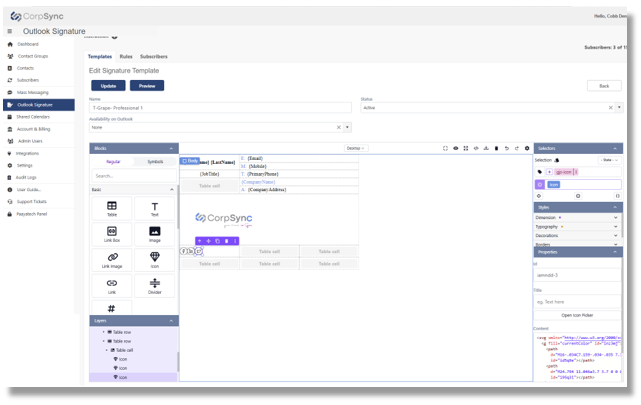
This release brings a significantly improved Signature experience, centered around the new web-based editor. The editor provides a smoother, more intuitive way to create and manage signature templates with features such as:
Easy drag-and-drop design
Better handling of images, tables, and icons
Cleaner asset management with cloud storage
Updated sample templates and improved layout control
A more helpful user interface, including in-context instructions and placeholders
We’ve also delivered major stability upgrades: fixes to formatting issues, image handling, placeholders, delegated mailbox support, and profile photo rendering. New administrative controls—such as license-related notifications and system admin email settings—provide better oversight for teams managing large signature deployments.
Behind the scenes, enhancements to performance, extension fields, license validation, and signature access logic ensure smoother behavior.
Shared Calendar
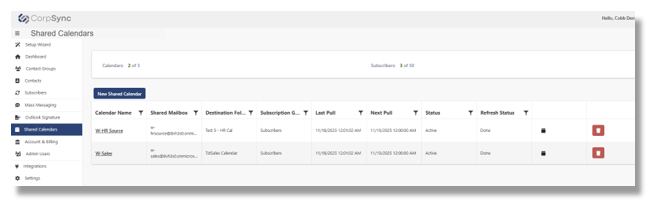
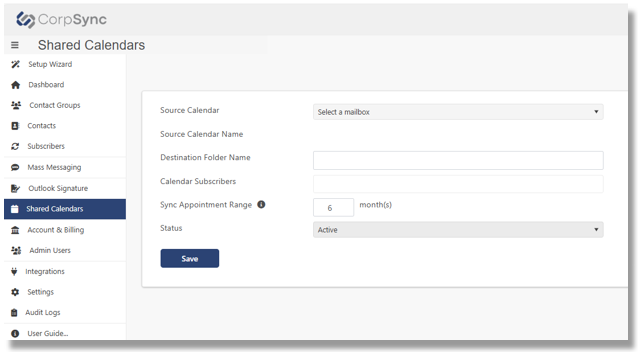
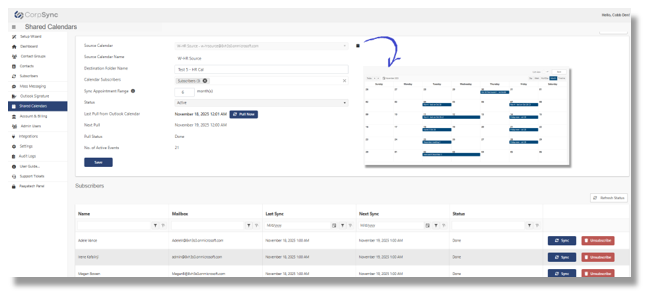
A new Shared Calendar capability is now available, allowing users to access shared calendars directly from mobile Outlook. This enhancement makes it easier for teams to stay aligned on schedules.
Supporting updates include improvements to Exchange synchronization, unsubscribe and refresh endpoints, faster contact import, and more reliable Office 365 integration. The Shared Calendar UI has also been refined for clarity and ease of use.
Was this article helpful?
That’s Great!
Thank you for your feedback
Sorry! We couldn't be helpful
Thank you for your feedback
Feedback sent
We appreciate your effort and will try to fix the article